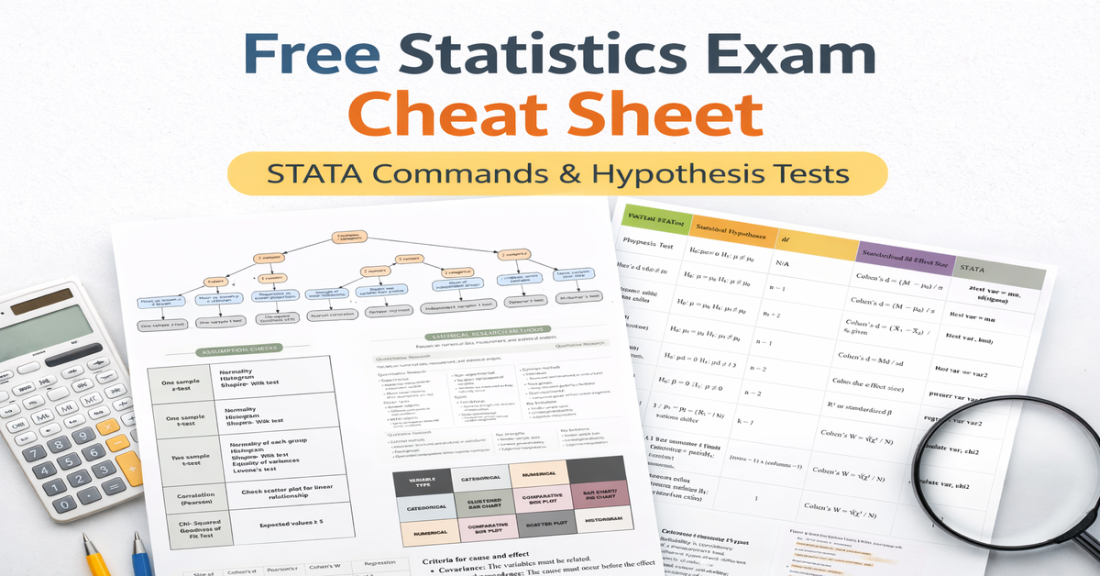
Looking for an organised glossary of essential STATA commands?
Here you go. I’ve compiled the most commonly used commands and organised them into tables by function so you can quickly find what you need during assignments.
Inside this glossary you’ll find:
- Set up (naming, saving, importing and exporting files)
- Descriptive statistics
- Creating new variables and labels
- Common statistical tests (chi-square, t-tests, Pearson correlation, ANOVA)
- Assumption checks (Shapiro–Wilk, Levene’s test, visual normality checks)
- Graphs (boxplot, scatter plot, histogram, bar charts)
You can copy and paste commands directly into STATA and swap in your variables, or keep this guide open as a searchable reference during analysis.
If you’re writing up results and want help formatting in APA style, you can also use my APA results generator. Choose your test, enter your values (p, SD, df, etc.), and it produces a correctly formatted APA paragraph. It’s not a replacement for interpreting your data, but it gives you a reliable structure to build from.
Hope it helps, and bookmark it for later! 🙂
Download the PDF here:
You might also find helpful…
- Free_Statistics_Exam_Cheat_Sheet_1200x628
- APA 7th Edition Statistics Results Generator for Psychology Students
- How to Report Statistics in APA 7th: Quick Templates + Examples